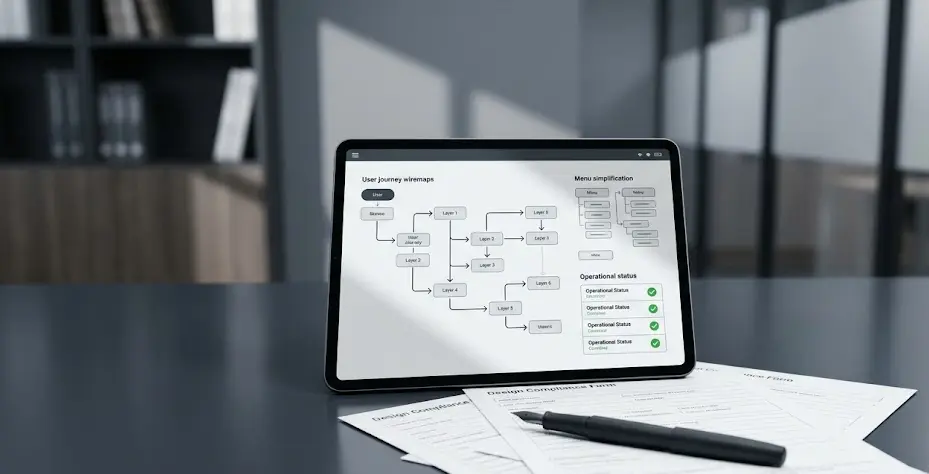
Fixing Interfaces Without Rewriting Legacy Software Foundations
The cumulative toll of micro-pauses on daily business output
The true source of inefficiency across corporate software environments rarely originates from a singular, catastrophic server failure. Instead, it stems from the steady, silent accumulation of minor delays, confusing labels, and fragmented menu items that disrupt the worker’s schedule thousands of times a week.
Toggling between separate database tabs just to collect relevant customer history info, re-entering identical fields across multiple views, and staring at static windows without explicit load progress states generate cognitive friction. These minor moments of friction slip underneath the radar of line-item budgets. Together, they slow down task processing speeds, inflate company administrative costs, and drain employee energy far more than executives admit.
Interaction failures vs. architectural backend defects
When team reviews include complaints that an internal tool feels outdated or old, product managers must perform a thorough audit to distinguish between surface layout errors and backend database constraints. A substantial percentage of reported system issues turn out to be design flaws rather than engineering engine defects.
Navigation pathways become cluttered over years of adding features, information ends up scattered across too many uncoordinated views, and error notifications utilize cryptic internal jargon that panics the end user. Consider these distinct design flaws:
- Cryptic validation alerts that fail to explain how to correct an entry.
- Overwhelming menu choices presented to casual system users.
- Static loading states that trigger click repetition and double submissions.
Fixing these surface defects resolves the perception of a slow tool without spending capital on a risky refactoring of old core calculations.
Deploying responsive user interface wrappers over stable code
Product engineers bypass the time-consuming process of backend overhauls by decoupling the presentation layer from the transactional engine. They wrap the legacy system in a fresh, responsive frontend framework that communicates with old services via optimized mediation adaptors or lightweight API endpoints.
This allows designers to introduce modern layout grids, better input fields, and instant client-side validation loops while the old software continues to process the data exactly as it has for a decade. Hiding administrative clutter inside a clean visual wrapper delivers immediate usability gains. It ensures the corporate workforce can operate without dealing with the complex underlying database structure daily.
Governance structures for managing decoupled frontend updates
Capturing the full financial benefits of interface layer updates requires clear governance protocols to ensure that decoupled frontend changes do not break downstream data rules. Engineering directors must build strict validation checks, verifying that new UI elements map perfectly to legacy system input fields during deployment cycles.
Furthermore, design teams must ensure that updated web dashboards comply fully with corporate accessibility rules and local data privacy frameworks. Decoupled development accelerates deployment speeds, allowing teams to iterate on interface designs based on direct feedback without risking the core operational pipeline. Treating the frontend as a dynamic tool and the backend as a stable engine preserves capital and ensures software longevity.